Google Clock 9.0 Introduces New Stopwatch and Timer Features
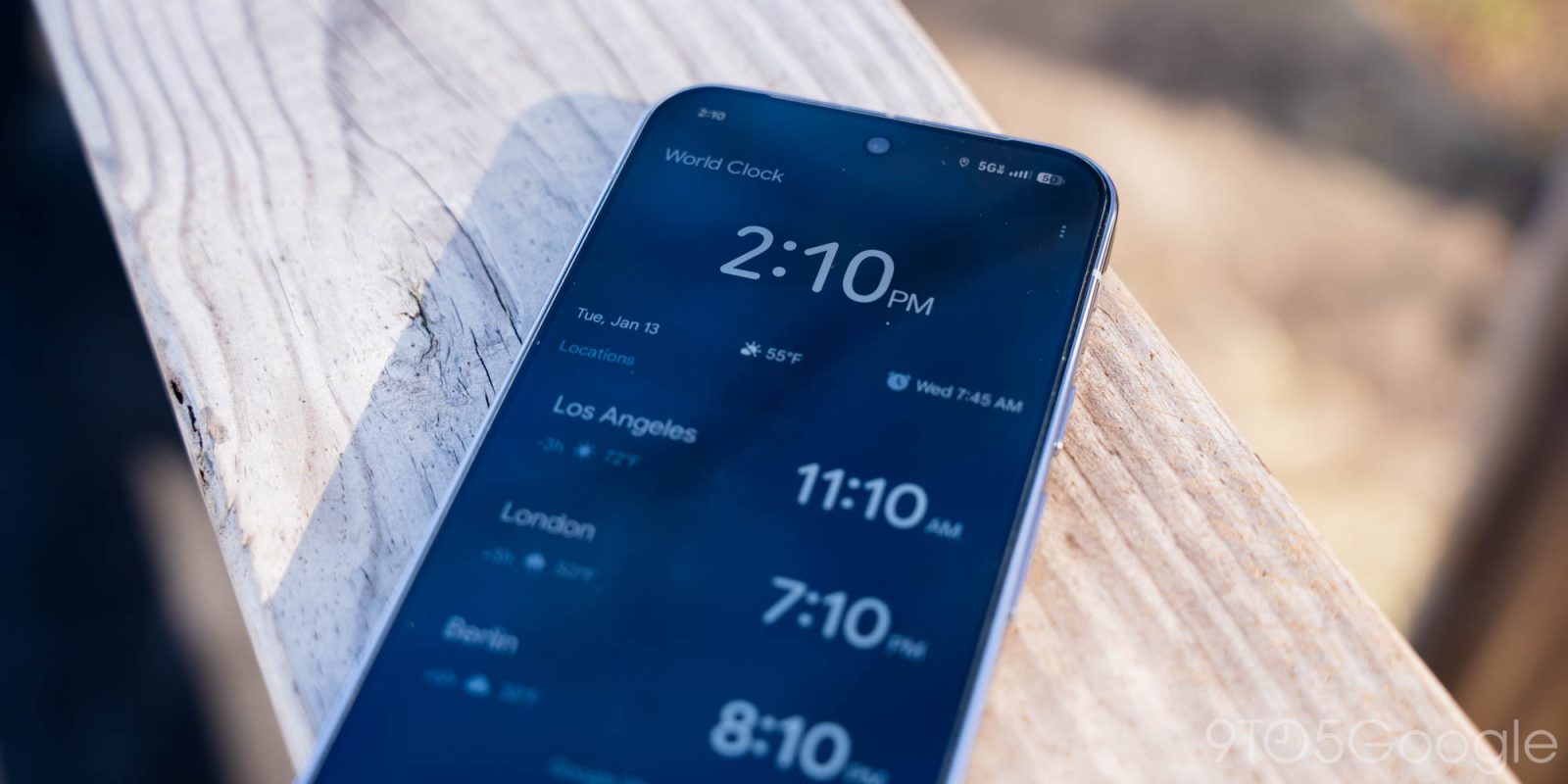
Google has recently unveiled significant enhancements to its Clock app for Android, with the introduction of version 9.0. This update primarily focuses on improving the functionality of timers and stopwatches, with a notable feature being the support for Live Update notifications on Pixel devices.
The new Live Update notifications represent a departure from previous notification designs. For devices running Android 16 and above, these notifications now appear in pill-shaped containers with a solid background in the status bar. Accompanying these notifications is a real-time count that displays next to the timer or stopwatch icon. However, this design choice means that other notification icons do not appear alongside it, providing a cleaner, more focused experience.
Users can interact with these notifications by tapping on the pill-shaped container, prompting an overlay on the screen for five seconds. The count associated with the timer is now more prominent, enhanced by larger buttons for functions such as Pause/Lap and Pause/Add 1 minute.
These Live Updates are prioritized within the notification shade, lock screen, and always-on display, ensuring they remain easily accessible to users. For those who preferred the previous notification style, Google offers the option to revert back to the old approach. This can be accomplished by navigating to the App Info page of Google Clock, selecting Notifications, then App Settings, and finally toggling off Live Updates.
The rollout of Google Clock version 9.0 began in late July, but the Live Update feature for timers and stopwatches is being implemented in phases on a server-side basis. As of now, many Pixel users have reported availability of these updates. If the feature is not yet visible, users are advised to start a timer and restart their devices to trigger the notification inclusion.
These enhancements showcase Google’s ongoing commitment to refining user experience across its applications, ensuring that essential tools such as timekeeping are as efficient and user-friendly as possible.
#technology