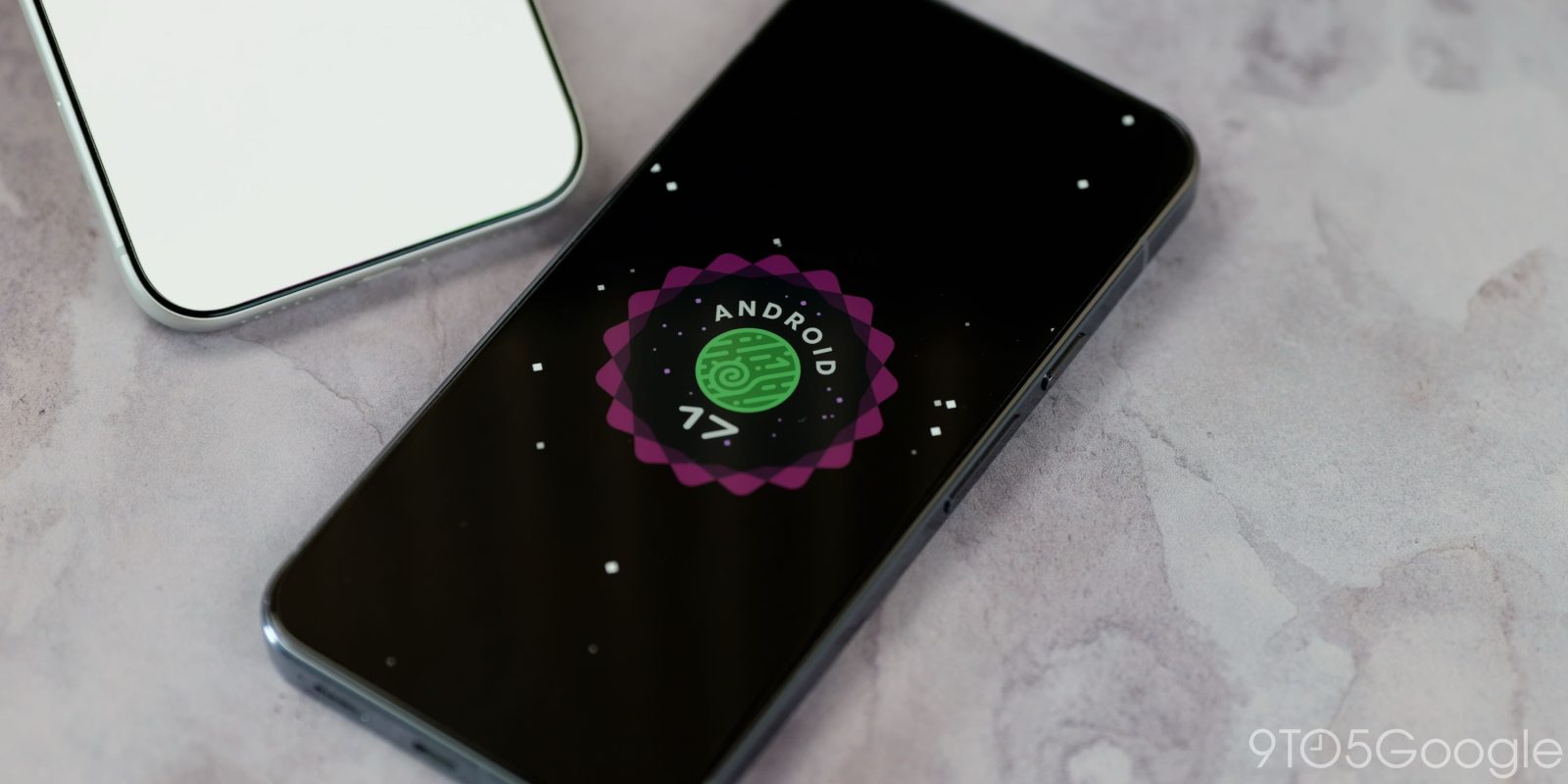
Android 17 QPR2 introduces status bar customization for notification and system icons
Android 17 QPR2 has introduced several user-focused enhancements, particularly within the newly designed Status bar settings found in the latest Beta 4 update, according to a media source. These changes aim to improve user experience by providing more customization options for managing notifications.
In the System settings menu, users will now find a dedicated “Status bar” submenu placed strategically alongside other management features such as Date & Time and Users. This addition marks a significant development in Android’s effort to streamline user accessibility to crucial settings. Additionally, users will also see access to the Status bar settings through the Notifications section, reinforcing the integration of notification management into the broader system interface.
To give users greater control over the notification display, the Android 17 QPR2 introduces three distinct options for notification icons. The default setting—named “Priority only”—ensures that users are alerted solely to significant notifications while minimizing distractions from less urgent alerts. The available configurations are as follows:
1. All: This setting displays all notification icons, ensuring no alert goes unnoticed.
2. Priority only: The default choice, which filters notifications to only those deemed essential.
3. None: An option that completely removes notification icons from the Status bar.
In addition to the notification icons, the update offers further customization through three settings associated with System icons. While some of these options, such as Battery and Vibrate icons, were previously available elsewhere, this update consolidates useful status indicators into one accessible location. Users can now opt to display:
1. Mute: This icon is visible when the device is muted, offering a quick visual cue.
2. Vibrate: Users can choose to display this icon when the device is set to vibrate.
3. Battery percentage: This feature provides a real-time indication of the device’s battery level.
Overall, the enhancements introduced in Android 17 QPR2’s Beta 4 represent a notable step toward improving user engagement with device notifications. As Android continues to evolve, the development of such intuitive features is expected to be well-received by both new and long-time users alike.
#technology